


Passwords are often the first line of defense. Many people use weak or repeated passwords. That makes it easy for attackers. Choose unique passwords for each account. Use long passphrases or a password manager that generates and stores secure combinations.
Then enable two-factor authentication. This means you log in not just with a password but also with a code sent via SMS or app. It adds an extra layer of security. Regularly check for unknown devices logged into your accounts. Remove them immediately. This reduces the risk of digital intrusion.
Limit Personal Information on Social Media
Social media reveals a lot of your personal data. Think of your birth date, place of residence, or workplace. This information can be used to guess security questions or build detailed profiles. Set your accounts to private and limit the visibility of personal details.
Also pay attention to what you share in photos. Locations, license plates, or documents in view often reveal more than intended. Use different usernames and avoid consistent patterns across platforms. Check which apps have access to your social media and remove unnecessary links.
Encrypt Your Communication Channels
Not all messaging apps protect your content by default. Without encryption, third parties can read your messages, especially on unsecured networks. Choose platforms with end-to-end encryption, such as Signal or ProtonMail. This ensures only you and the recipient can read the messages.
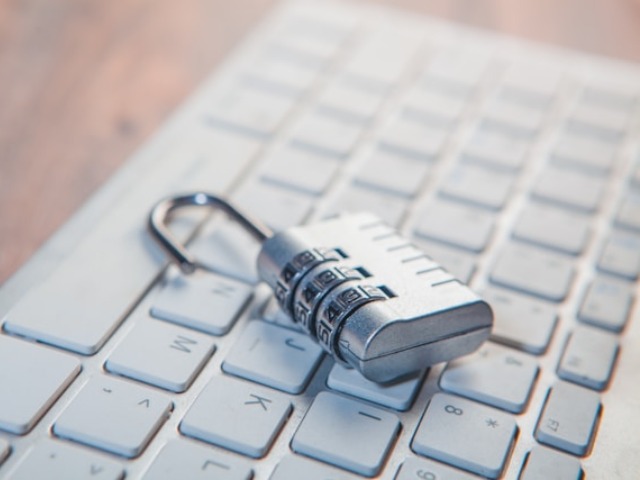
Verify that encryption is enabled by default. Also use a secure internet connection via HTTPS. Modern browsers show this with a padlock symbol. Don’t open attachments from unknown senders. Up-to-date security software helps block message interception or tampering.
.
Use Anonymous Communication Tools
You don’t always need to communicate under your real name. In situations where privacy matters, anonymous tools are useful. Think of reporting, research, or sensitive conversations. Use anonymous email services or temporary chat platforms that don’t require registration or a phone number.
Some tools delete messages automatically. This helps prevent digital traces. Use a VPN or encrypted browser to hide your location and IP address. For short messages, you can use a service that supports anonieme tekst, as long as you don’t include any personal information. This keeps your identity hidden.
Be Cautious with Public Wi-Fi Networks
Public Wi-Fi is convenient but insecure. Anyone on the same network could potentially eavesdrop. Sometimes attackers even set up fake networks to intercept data. Never send passwords or payment details over public Wi-Fi.
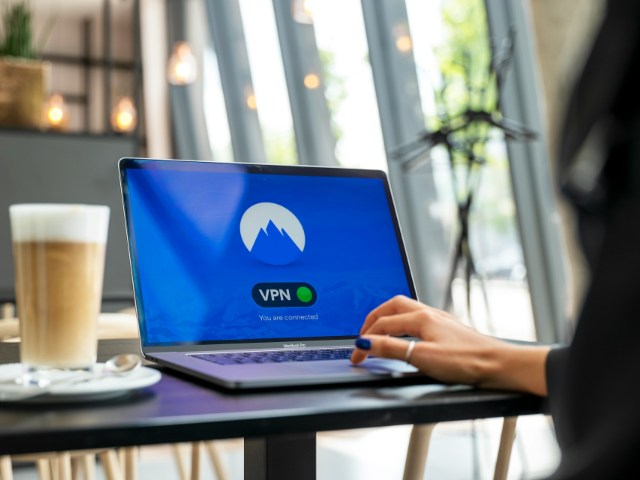
Disable automatic Wi-Fi connections. Use mobile data or your own hotspot instead. If you must use public Wi-Fi, always enable a VPN. A VPN encrypts your data traffic. End your session after use and check your device for active firewalls or unknown connections.
Regularly Check App and Website Permissions
Apps and websites often request access to data they don’t need. Think of contacts, camera, or location. Most people grant permission automatically during installation. Check these settings regularly. Disable unnecessary permissions and remove unused apps.
Websites do something similar using cookies or trackers. Configure your browser to reject cookies automatically or clear them after each session. Use an extension that blocks tracking. Review your online accounts for connected apps and revoke access when not needed. This helps you maintain control over your data.
Pause Your Digital Footprint Today
Every digital action leaves a trace. Being mindful with communication prevents those traces from becoming visible to others. Identity protection starts with awareness. Small actions, like changing a password or deleting an app, already make a difference.
Take one step today. Enable two-factor authentication, review your social settings, or remove unused apps. These decisions help you stay in control of your digital identity. You decide who has access to your data and who doesn’t.
